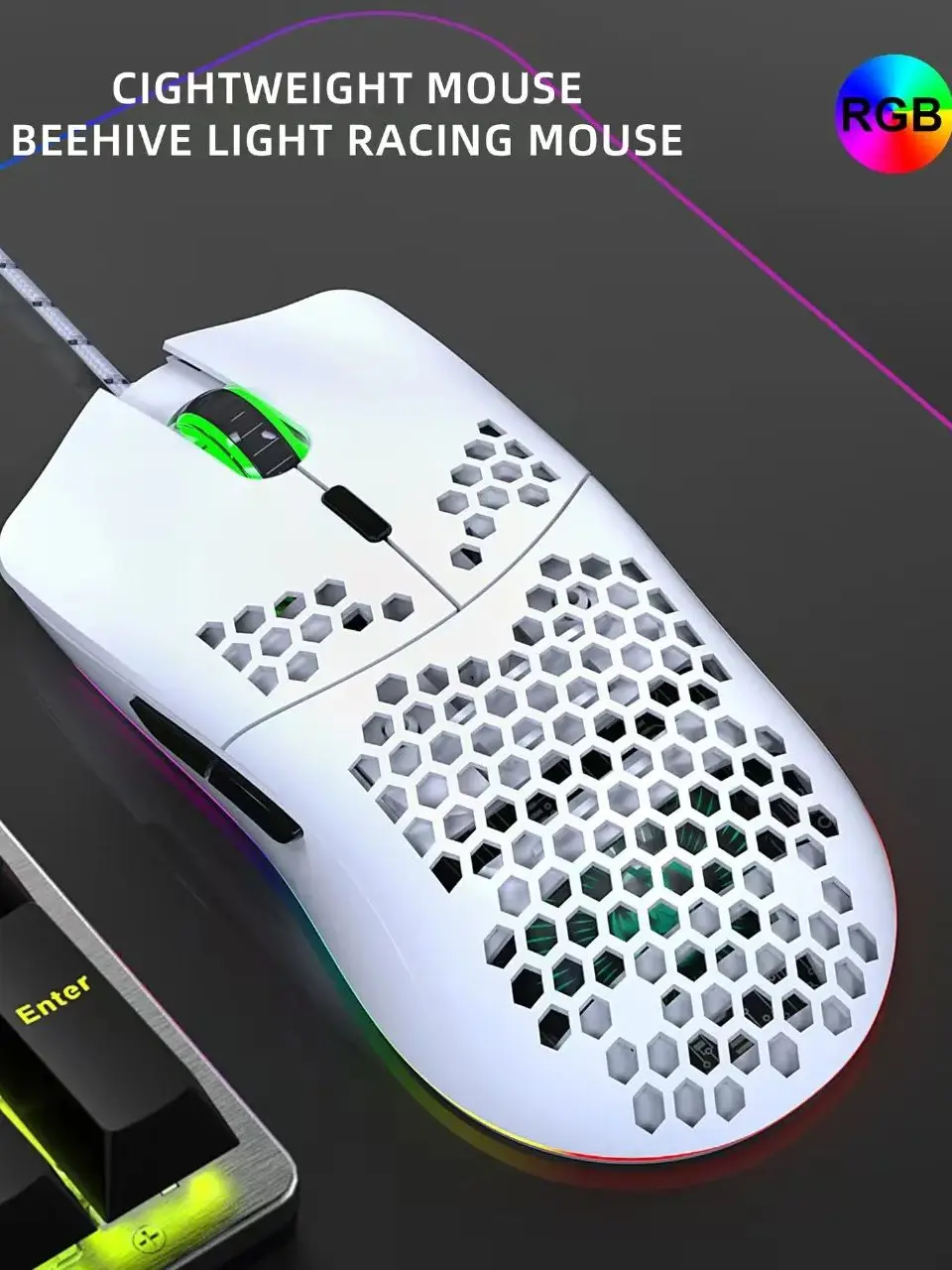
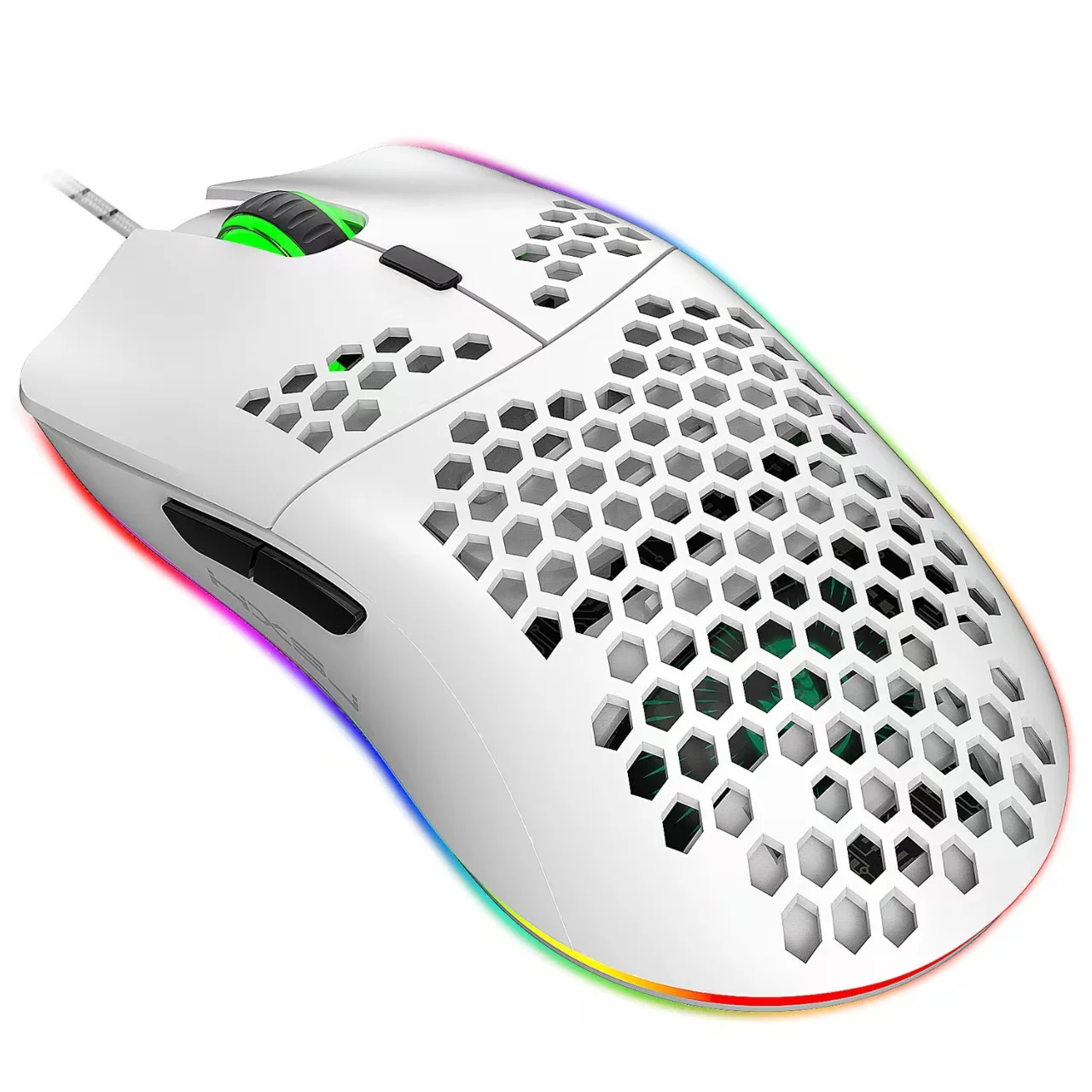
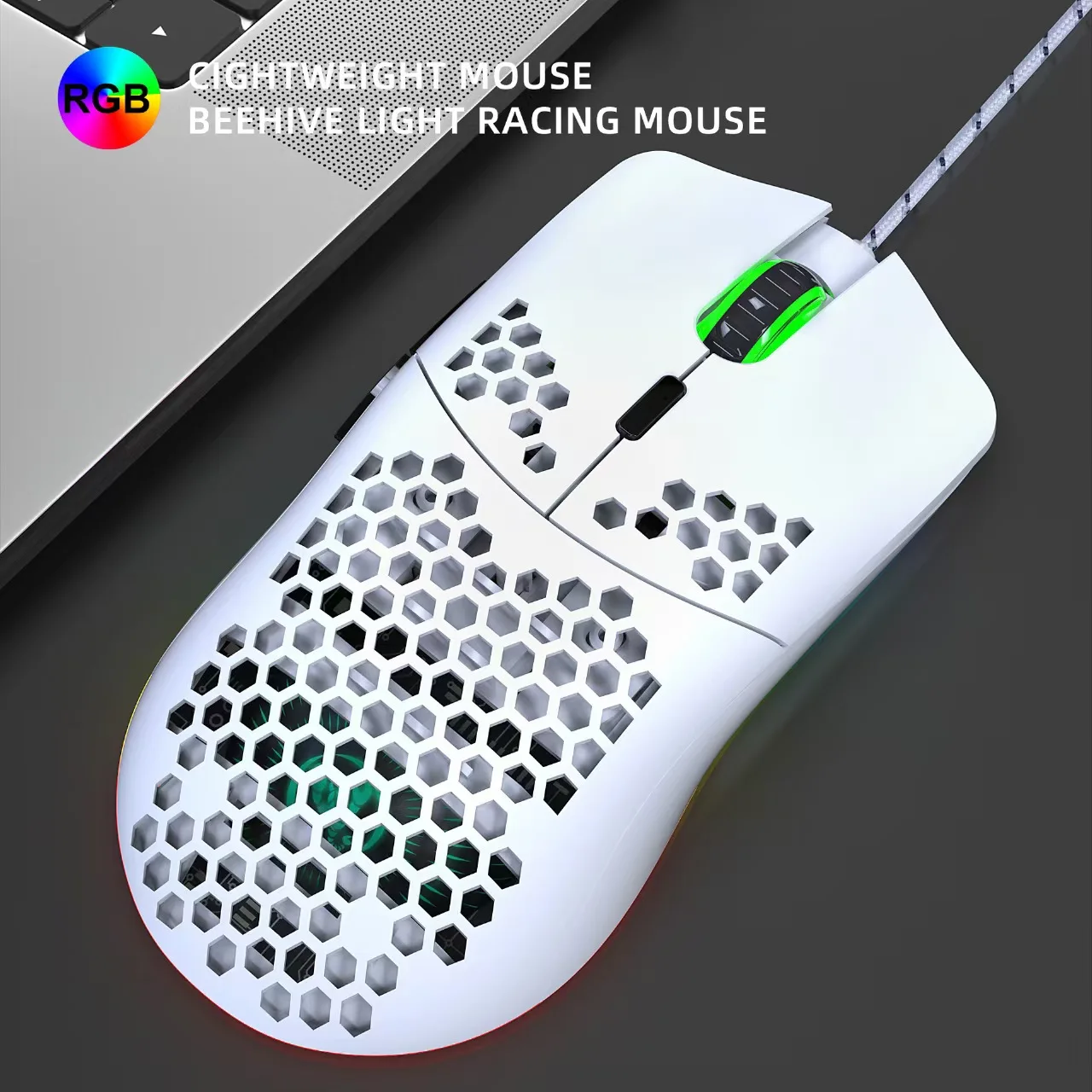
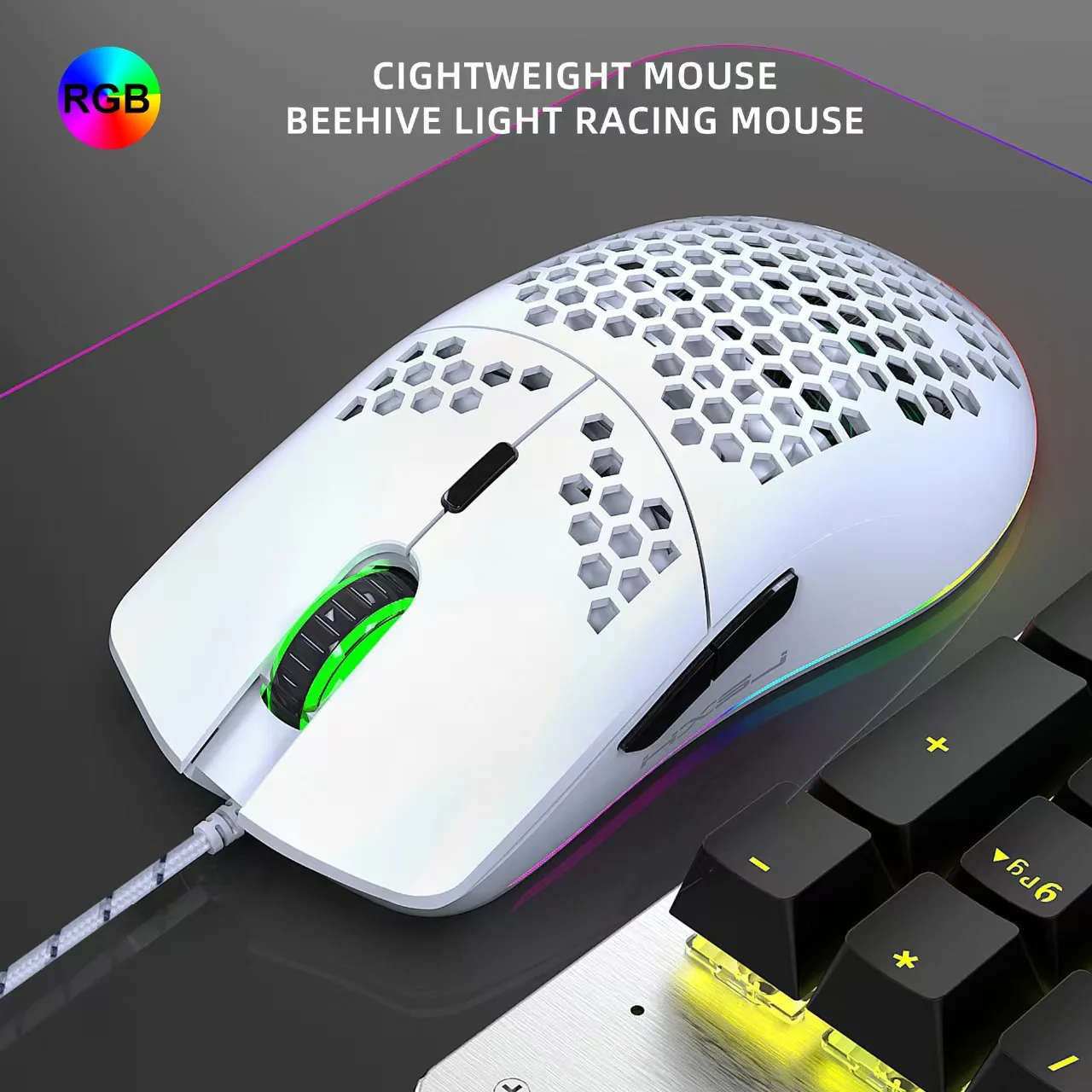
RGB Honeycomb Wired Gaming Mouse with Macro Programming, 6400 DPI, Ergonomic Design for PC & Laptop
WHITE
Sale price
$17.99
Regular price $29.99
Skip to product information


RGB Honeycomb Wired Gaming Mouse with Macro Programming, 6400 DPI, Ergonomic Design for PC & Laptop
Sale price
$17.99
Regular price $29.99
SPECIFICATIONS
Specifications
- Brand: HXSJ
- Product Type: Wired Gaming Mouse
- Connectivity: USB Wired
- Sensor Type: Optical Sensor
- DPI Resolution: Up to 6400 DPI (Adjustable)
- Buttons: 6 Programmable Buttons
- Lighting: RGB Backlight
- Design: Lightweight Honeycomb Ergonomic Design
- Hand Orientation: Right-Handed
- Compatibility: Windows, macOS, Linux
- Color: White
- Certification: CE & RoHS (jika memang ada pada spesifikasi supplier)
Package Includes
- 1 × RGB Wired Gaming Mouse
- 1 × User Manual
Perfect For
- FPS Games
- MOBA Games
- MMO Games
- Office Work
- Everyday Computing
Specifications:
Product model: J900 RGB Lighting Programmable Gaming Mouse
Rate of return: 125HZ
Moving speed: 28IPS
Rate: 4000FPS
Acceleration: 10G
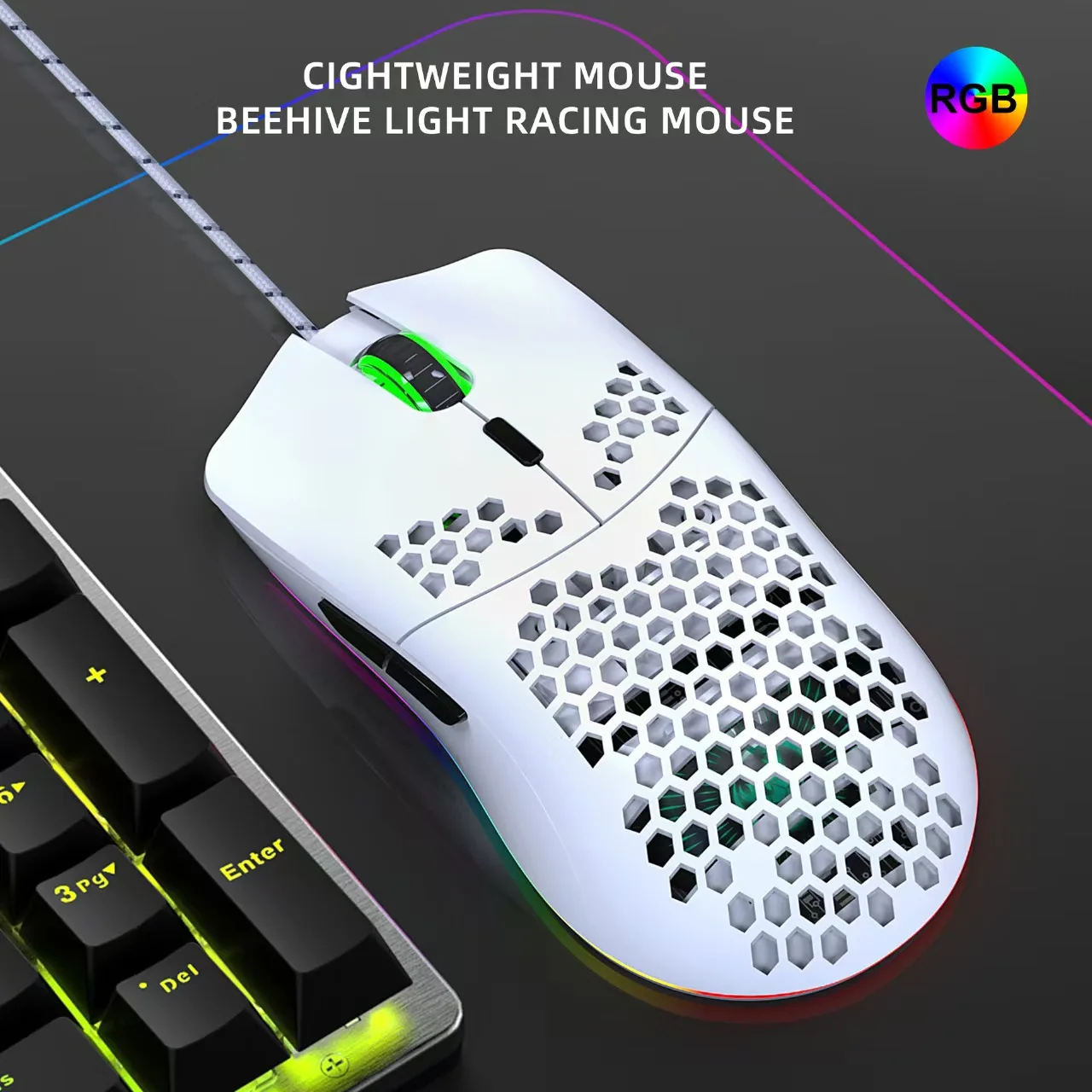
Human body engineering design ,Comfortable grip,Hollow design, more fashionable.
6 buttons ( programmable)
6 RGB lighting modes, can turn off the light
6-level adjustable DPI, Max.6400 DPI
Voltage rating / electric current: DC 5V / 100mA
USB plug and play
Switch life:20million cycle
Cable length: 150cm
Item Weight:96g
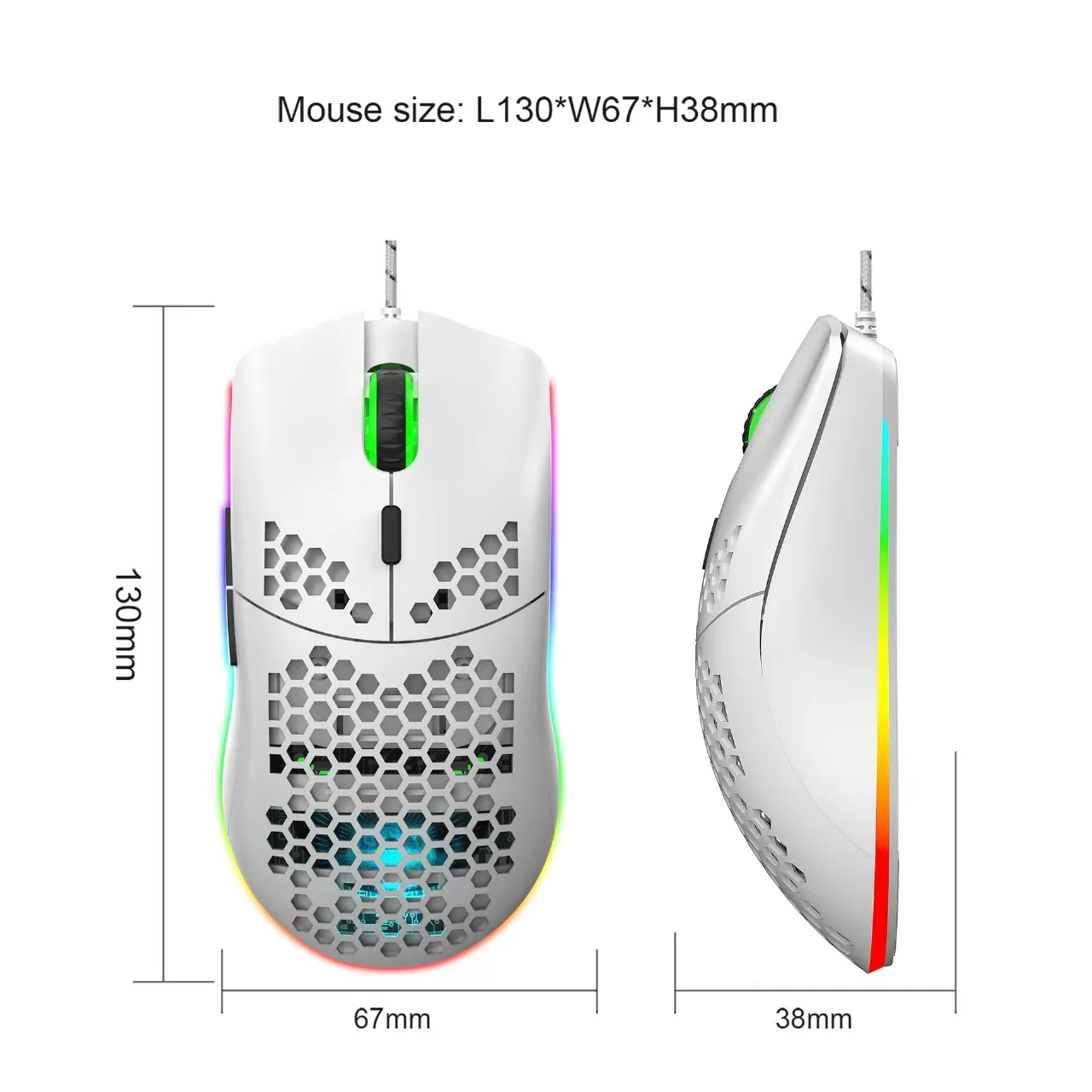
Item Size:13*6.7*3.8 cm(L * W * H)
Package Weight:147g
Package Size:15*9.8*5cm
Support Windows 2000 / XP / win7 /win8 /win10 Vista 32bit IOS or latest.
Packing list:
1 x gaming mouse
1 x User manual
How to use:
1. Download the macro programming software through the website provided by the seller.
2.After downloading, open it directly and use the buttons to customize programming.
3.When the mouse is successfully connected and used normally, Open the J300 macro programming software directly to use the macro programming function.
4. Adop professional game chip, using high-performance program control decoder chip
for smooth motion and precise control.
5. Button settings For the 1-6 button (as shown), the drive supports custom settings.
6. DPI setting: default 1000/1600/2400/3200/4800/6400 the Six-segment DPI value can
be any section.
7. Light mode: RGB marquee effect, Up to 6 lighting pattern designs,The light can be
turned off.
8. Mouse parameters: You can set the pointer precision, wheel speed and double click
speed.
9. Custom Settings: Custom macro editing that supports game effects.
10. When the settings are complete, click Applications and then click Save Configuration.You should start the driver again the next time you use it so that you can use all customizations Features.